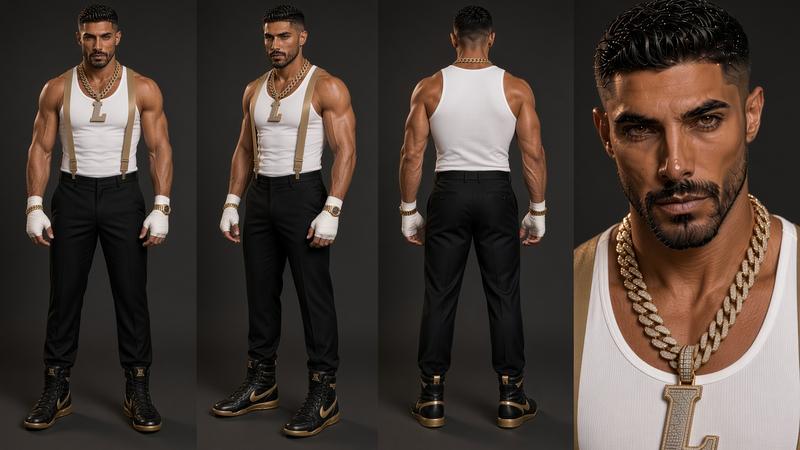
A visual prompt builder for AI video. Click through 678 prompt tools in 48 panels (expressions, lighting, weather, camera moves, lenses) and the prompt writes itself. Visual hover previews on a model character are coming soon, starting with facial expressions. Choose it, see it, lock it, then render.
Free in your browser · no sign-up · nothing to install
Every AI creator knows the loop: type words, render, wait for the hit… it’s wrong. Render again. You only find out what a prompt does after you’ve paid for it — and your character looks different in every shot.
Like filter previews on Instagram: hover any tool and see it applied to the same model character. Angry or sad. Golden hour or neon night. Heavy wind, rain, a slow dolly-in. You know what you’re getting before you hit generate.
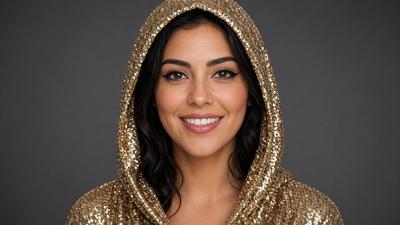
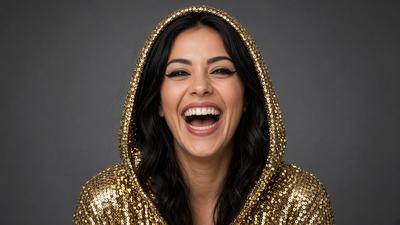
Every expression in the app now has a preview on the same character. Hover an option on desktop, or tap the 👁 on mobile, and see how the prompt changes the face before you spend a render.

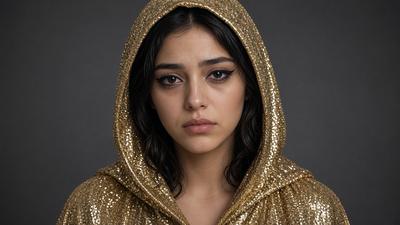

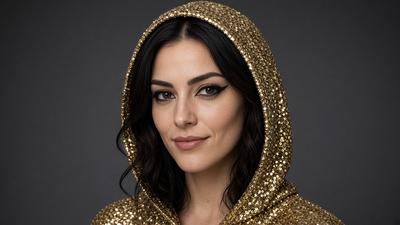
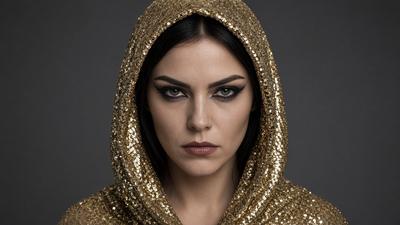
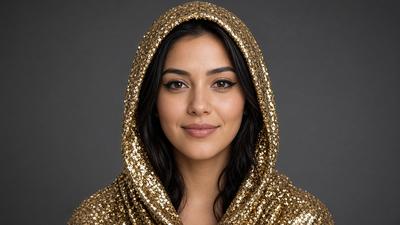
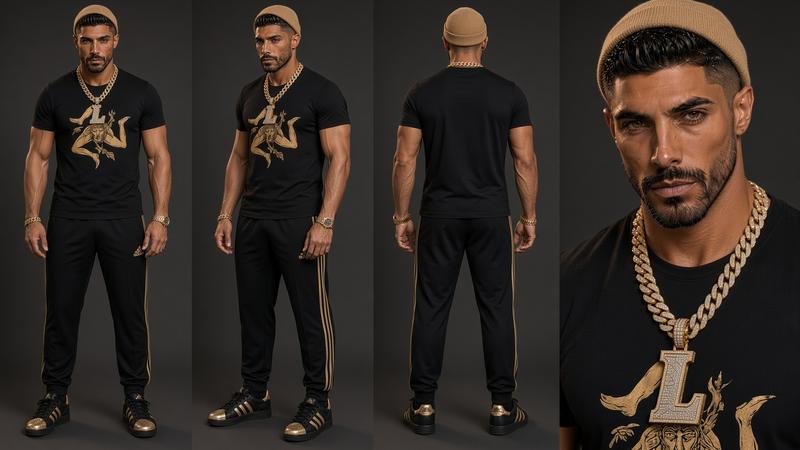
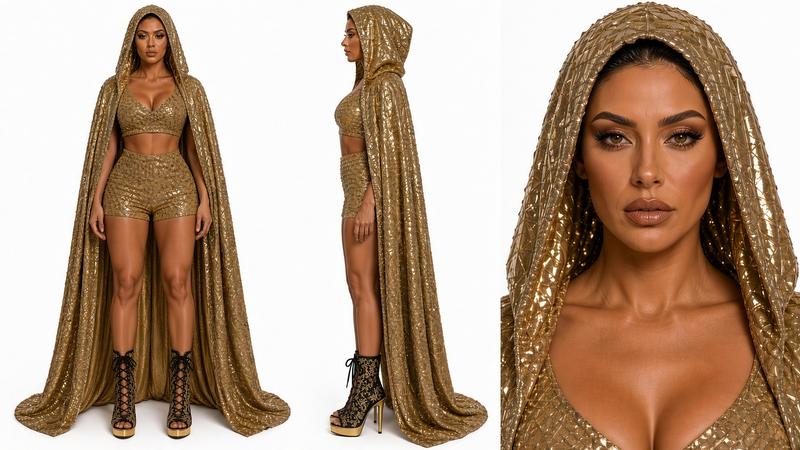
Answer a few visual questions, or start from a photo of a face, and Prompt Palette writes a pro character-sheet prompt: full body front, side and back, plus a big face close-up, all in the same outfit. Generate it with your own Grok key, then reuse it as the locked reference in Grok, Kling or Runway so your character stays the same from shot to shot.


Cast your character, dress the set, call action. Each step builds on the one before, so your shots stay consistent.
Choose skin tone, body type, face, hair and each garment piece by piece — seeing each option as you go. Pull references from Pinterest or Google, save the character to your library, and generate an isolated-on-white “lock” prompt.
Place your locked character into a world: preview backgrounds, sky, weather, time of day, lighting, color grade and mood before you commit — without the character changing.
Add camera moves, lens and depth of field, body motion and motion physics. Use the lip-sync panel to turn a lyric line and BPM into a performance prompt.
If you’ve used Photoshop, you already know how this works. Open a panel, hover a tool to see its preview, set the intensity. The prompt writes itself on the right.
Drop in a real render preview from the Scene Builder here.
Illustrative CSS mockup. Replace the frames below with real screenshots before launch.
Skin, face, hair, garments + saved character library
Locked character placed in a new environment
Lyric line + BPM → performance prompt
678 prompt tools across 48 panels (visual previews rolling out), plus a few smart helpers that save you renders.
Every tool shows how it looks on a model character — stills for looks, short loops for motion. Slide the intensity and see “a hint of rain” vs “downpour”.
Expressions, hands, body motion, wardrobe, backgrounds, sky, weather, lighting, color grade, lenses, film looks, styles and more — each with a plain-English description.
Type a rough idea like “rapper on a rooftop at night” and Enhance expands it into a full, structured prompt you can keep editing.
Save characters to a library and reuse their lock prompt, so the same face, hair and outfit carry from shot to shot.
Describe or upload the last render. Strengthen spots what went wrong — drifting face, extra fingers, wrong light — and patches the prompt, with full version history.
Upload a photo or reference and AI vision suggests matching tools: the lighting, grade, lens and mood it sees.
Rap, sing or whisper styles. Paste a lyric line and BPM to get a lip-sync prompt, or split a full song into a shot list.
Built around Grok Imagine and formatted for Kling, Runway, Midjourney and other generators. Copy, paste, render.
One-click negative and consistency tags to cut common errors like warped hands, flicker and identity drift.
Made by someone who has spent years cutting music videos. Paste a line, set the BPM and delivery style, and get a performance prompt timed to the beat. Working on a whole track? Split the full song into a shot list, one prompt per line.
The prompter is free with an account. Upgrade when you want the full production line. Cancel anytime.
The full prompter. Sign up and start building.
For creators shooting every week.
For music videos, series and client work.
Prices in USD. Prompt Palette builds your prompts; renders are made (and billed) in your own Grok Imagine, Kling, Runway or Midjourney account.
Render images and video right inside Prompt Palette on any plan, including Free. No xAI account needed. Or bring your own key and pay xAI directly.
1 credit = 1 image · video from 1 credit per second · failed renders refunded · credits never expire · available at launch
Prompt Palette is built by Chris Linea (Feedus Classic), a motion designer with 20+ years in the craft and a music video creator. It’s the toolbox he wanted for his own AI shoots: the language of lighting, lenses and performance, organised so anyone can use it. See his work at feedusclassic.com.
No. It builds better prompts. You paste them into the generator you already use — Grok Imagine, Kling, Runway, Midjourney or others — and render there. That keeps the price low and lets you use any model you like.
Close, not identical. Previews show what each tool does on a model character, so you can choose by eye instead of by guesswork. Your final render depends on your character, the full prompt and the generator you use. On Creator, you can preview tools on your own locked character.
It’s designed around Grok Imagine and also formats prompts for Kling, Runway and Midjourney. Because the output is text, it works with any tool that takes a written prompt.
You build a character piece by piece and Prompt Palette writes a detailed, reusable description plus an isolated-on-white reference prompt. You render that reference once, then reuse the same lock text (and the reference image, where your generator supports image input) in every scene. No tool can promise perfect consistency, but a fixed, detailed description helps a lot.
Any time Prompt Palette uses AI on your behalf: Enhance, Strengthen, Photo → filters, or the song splitter. Picking tools from the sidebar and copying prompts is unlimited on every plan.
No. AI actions are included in your plan. You just need an account with whichever image or video generator you render with.
Yes. Characters, scenes and prompt versions are saved to your account so you can come back to any shot. Free accounts keep one character.
Yes. Monthly plans cancel in one click and stay active until the end of the period you paid for.
We’re opening early access in waves. Join the waitlist and you’ll get an invite, plus a free starter prompt pack.
Character → Scene → Performance. 678 prompt tools, one click each.
Use the app now →Be first in when doors open, and get a free starter pack of character and camera prompts right away.
You’re on the list. Watch your inbox for your free prompt pack.
No spam. One email when it’s ready, plus the occasional prompt drop. Unsubscribe anytime.